How can I safely manage a ‘dEF’ condition?
 FAQ
FAQ
Use a simple, low-risk checklist that protects stock and avoids unnecessary callouts:
Need more detail? For model comparisons, setup steps and troubleshooting, see the related guides below.
Use a simple, low-risk checklist that protects stock and avoids unnecessary callouts:
Wait out the cycle first: if “dEF” is showing and there is no alarm, allow the defrost to complete and check whether the cabinet pulls back down to the normal operating temperature.
Minimise door openings during and immediately after defrost to speed recovery.
Check basics that affect recovery: door fully closed, good gasket seal, clear air paths, product not blocking internal vents, and the unit not pushed hard against walls.
Look for signs of icing (heavy ice build-up, restricted airflow, warm spots). If you can see significant ice or airflow restriction, avoid forcing repeated manual defrosts and move to a planned service check.
Log what you see for support or an engineer: cabinet model, controller model (photo of the controller faceplate), what the display shows, time “dEF” started, and the temperature trend.
If you are considering a manual defrost, only do so when you can supervise temperature impact, and follow the specific controller instructions for your model so you do not accidentally change parameters.
Read the full guide: Understanding “dEF” vs Fault Indicators on Unifrost Upright Freezer Controllers.
More help with this question
Compare models, maintenance advice and support information related to this topic.
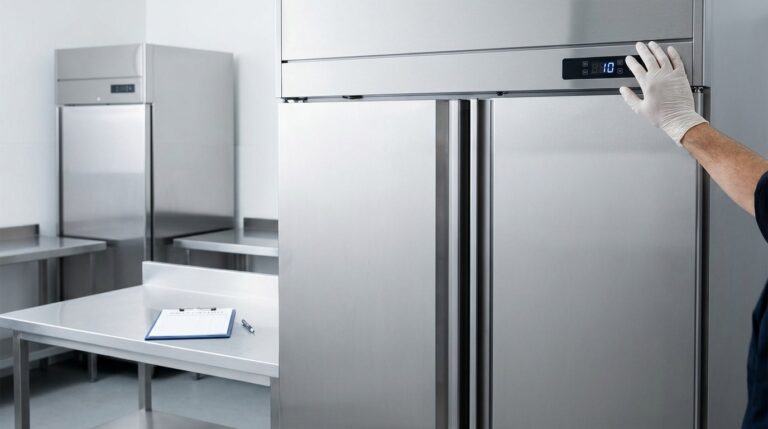
Understanding “dEF” vs Fault Indicators on Unifrost Upright Freezer Controllers
Learn the meaning behind "dEF" indicators on Unifrost upright freezers to avoid mistakes in Irish kitchens.
Read guide