
How do I set the temperature on a Unifrost prep counter?
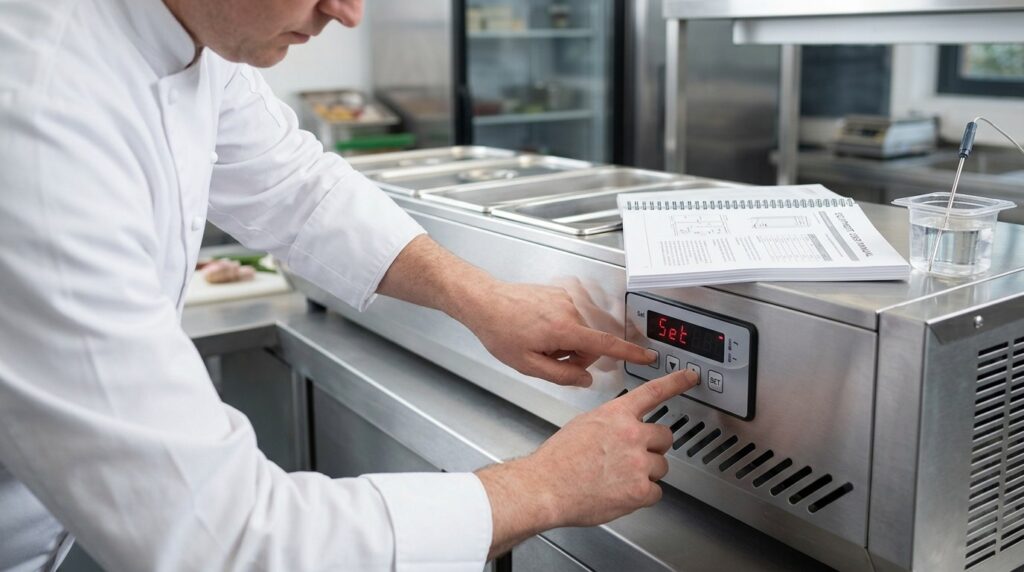
Most Unifrost prep counters use a digital controller.
Need more detail? For model comparisons, setup steps and troubleshooting, see the related guides below.
Most Unifrost prep counters use a digital controller.
View the set-point: Press SET once to display the current set temperature.
Change the set-point: Hold SET until the value flashes, adjust with the up/down keys, then press SET again (or wait a few seconds) to save.
If your controller uses different buttons or a lock function, use the manual for your model to confirm the exact sequence. After changing settings, give the unit time to stabilise and verify temperature with a calibrated probe in product or a suitable test medium, not just the air display.
Read the full guide: Unifrost Counter Fridge Prep Counter Saladette Manuals and Installation Support.
More help with this question
Compare models, maintenance advice and support information related to this topic.
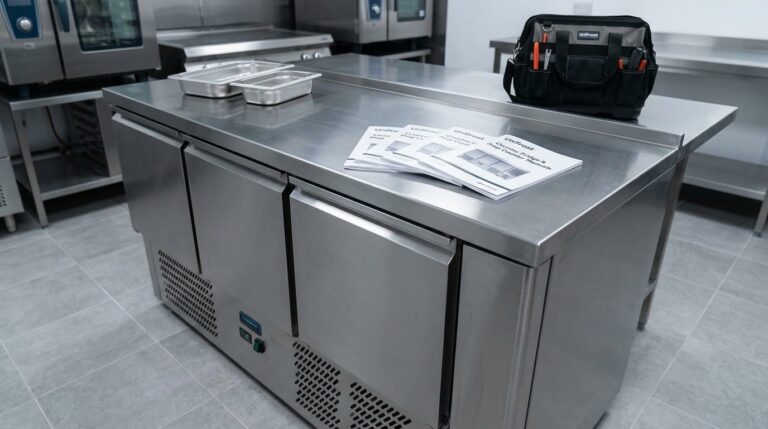
Unifrost Counter Fridge Prep Counter Saladette Manuals and Installation Support
Manuals, controller guidance, setup checks and troubleshooting help for Unifrost counter fridges, prep counters and saladettes.
Read guide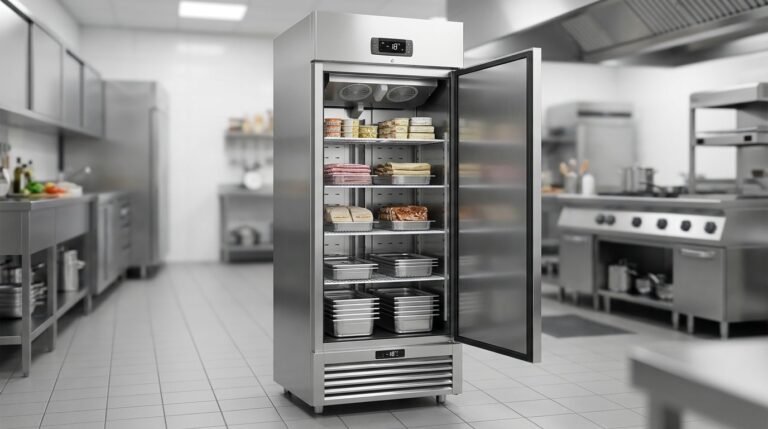
Unifrost F410SS Upright Freezer: Layout, Controller, and Energy Saving Hub
Optimize your Unifrost F410SS for layout, controller use, and energy efficiency in Irish kitchens.
Read guide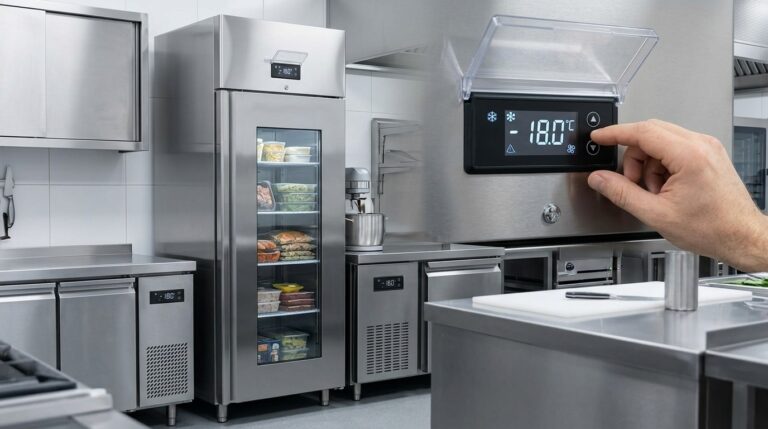
Optimising Unifrost F410SS Upright Freezer Temperature Controller Settings
Learn to adjust Unifrost F410SS freezer settings for optimal use in Ireland's hospitality sector. Improve efficiency and compliance.
Read guide