
Dixell XR03CX Controller Parameter Guide for Unifrost Cabinets
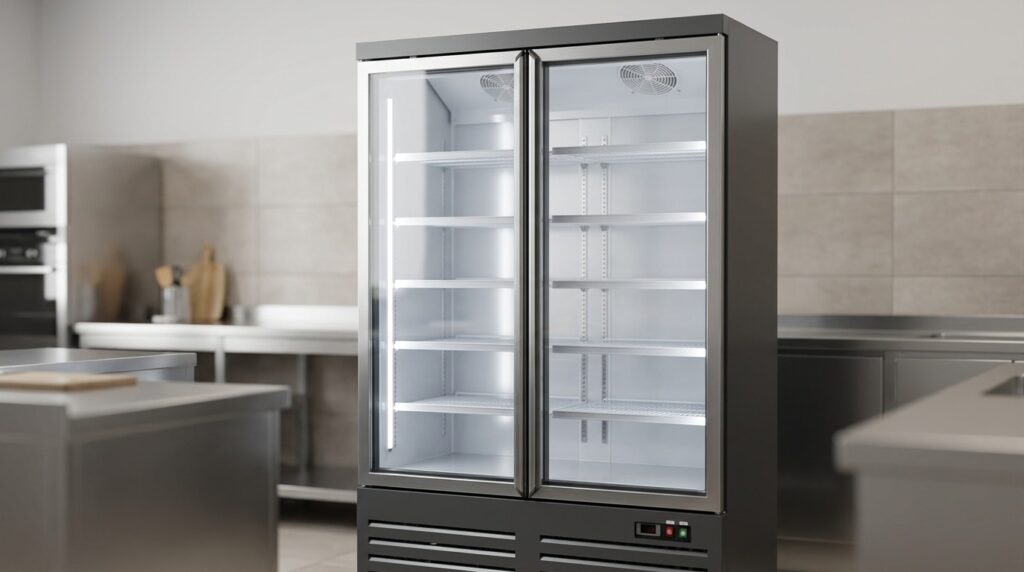
Parameter guide and controller support for Unifrost cabinets using the Dixell XR03CX controller.
Dixell XR03CX Controller Parameter Guide for Unifrost Cabinets
This controller page is for Unifrost cabinets using the Dixell XR03CX. It gives you the parameter PDF first, then points you toward the right model families and support pages so you can avoid trial-and-error changes on a live cabinet.
At a glance before you change anything
Check the controller label against the PDF before changing settings. If the problem is broader than the controller, use the model-specific or troubleshooting guidance.
Match the fascia label
Use the exact controller label and button layout before trusting a nearby model number or old service note.
Capture the current display
Note the set-point, alarm code, and display state before you power-cycle the cabinet or edit values.
Rule out non-controller faults
Airflow, loading, condenser cleanliness, and door sealing can all look like parameter problems.
Download the correct controller PDF first
Use the matching controller PDF before you change a set-point, parameter, or alarm-related value.
Common Unifrost model groups using this controller
The same controller often appears across multiple cabinet families. Match the controller label first, then use the cabinet model to find the relevant guidance.
- F1000SVN, F1310SVN and F710SVN upright freezers.
- GDR300, R600GS and selected display or storage cabinets documented with this controller.
- Other cabinet families where the controller label is more useful than the model name.
Use this controller page when you need to
Use this page alongside the exact controller PDF for your equipment.
- Work from the correct XR03CX parameter PDF instead of a loosely related controller document.
- Check controller-led behaviour on cabinets where the display is active but performance is still inconsistent.
- Match the controller label before using a parameter guide found inside a model-specific folder.
Always use the exact controller PDF for button sequences, parameter codes, and wiring or alarm details. The guidance on this page does not replace the manufacturer document.
Related Unifrost help
If the controller is only part of the problem, use the manuals and troubleshooting guides below.
Related Unifrost guides
Compare models, maintenance advice and support information related to this topic.
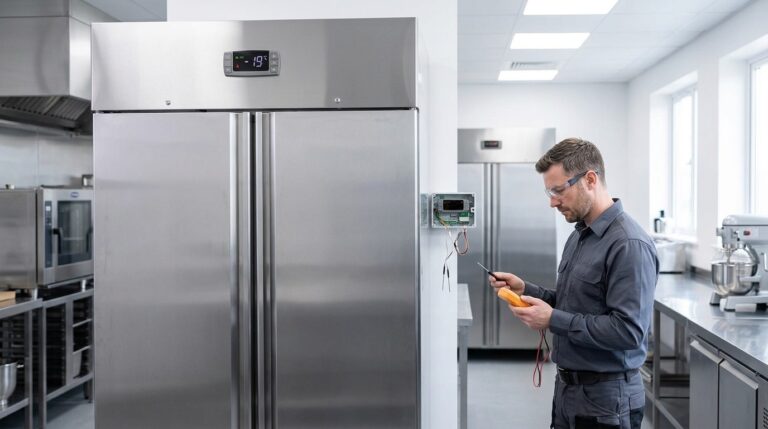
Unifrost Upright Freezer Temperature Controller: Wiring, Probe Replacement – Owner vs Engineer Guide for Irish Kitchens
Learn if Unifrost upright freezer probe replacements can be self-done, how wiring differs by model, and when to call an engineer in Irish kitchens.
Read guide
Carel PJEZ Controller Manual and Parameters for Unifrost Cabinets
Controller manual and support for Unifrost cabinets using the Carel PJEZ controller.
Read guide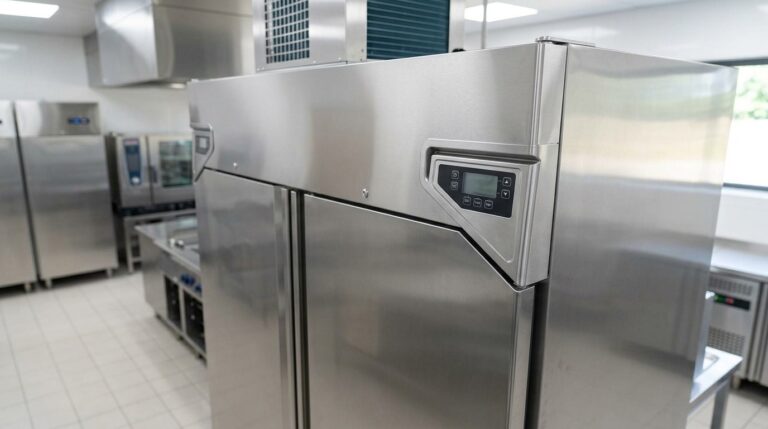
Dixell XR02CX Controller Manual and Parameters for Unifrost Cabinets
Controller manual and parameter support for Unifrost cabinets using the Dixell XR02CX controller.
Read guideTalk to Caterboss about the right Unifrost model
For current product options, pricing and availability, continue to Caterboss.