
Dixell XR06CX Controller Parameter Guide for Unifrost Cabinets
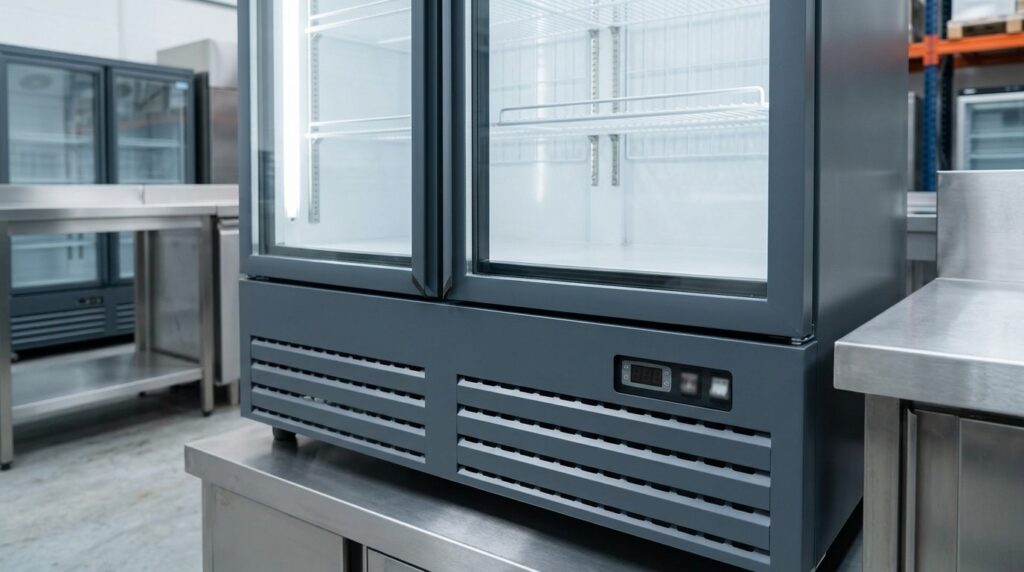
Parameter guide and controller support for Unifrost cabinets using the Dixell XR06CX controller.
Dixell XR06CX Controller Parameter Guide for Unifrost Cabinets
Use this XR06CX page when you need the parameter guide that matches the controller on the fascia, not a near-match from another family. The XR06CX appears across several upright, display and compact Unifrost models.
At a glance before you change anything
Check the controller label against the PDF before changing settings. If the problem is broader than the controller, use the model-specific or troubleshooting guidance.
Match the fascia label
Use the exact controller label and button layout before trusting a nearby model number or old service note.
Capture the current display
Note the set-point, alarm code, and display state before you power-cycle the cabinet or edit values.
Rule out non-controller faults
Airflow, loading, condenser cleanliness, and door sealing can all look like parameter problems.
Download the correct controller PDF first
Use the matching controller PDF before you change a set-point, parameter, or alarm-related value.
Common Unifrost model groups using this controller
The same controller often appears across multiple cabinet families. Match the controller label first, then use the cabinet model to find the relevant guidance.
- EBCF900 / EBCF1200 / EBDCF900 models with XR06CX parameter references.
- F1310SVN, F710SVN, R200SN and R200SVN models documented with XR06CX controls.
- Selected HVF display freezer and storage cabinet families where XR06CX appears alongside other controller options.
Use this controller page when you need to
Use this page alongside the exact controller PDF for your equipment.
- Use the right XR06CX PDF before changing values on a cabinet where the display is live but the behaviour is unclear.
- Check whether the issue is genuinely parameter-led or more likely to be installation, condenser, or airflow-related.
- Interpret the controller family correctly when a model-specific manual folder contains multiple controller references.
Always use the exact controller PDF for button sequences, parameter codes, and wiring or alarm details. The guidance on this page does not replace the manufacturer document.
Related Unifrost help
If the controller is only part of the problem, use the manuals and troubleshooting guides below.
Related Unifrost guides
Compare models, maintenance advice and support information related to this topic.
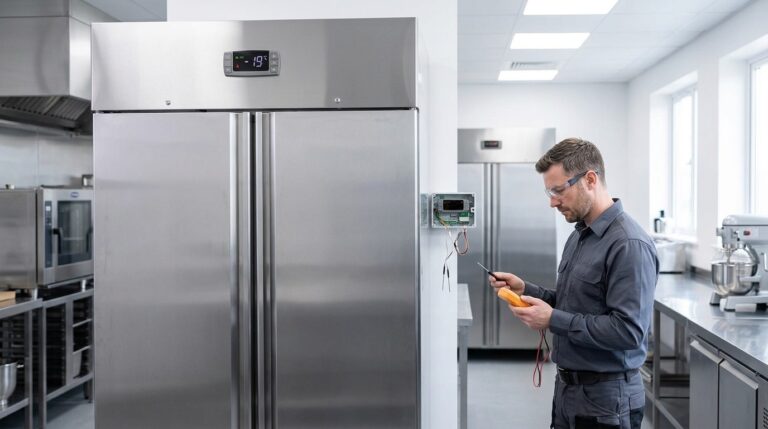
Unifrost Upright Freezer Temperature Controller: Wiring, Probe Replacement – Owner vs Engineer Guide for Irish Kitchens
Learn if Unifrost upright freezer probe replacements can be self-done, how wiring differs by model, and when to call an engineer in Irish kitchens.
Read guide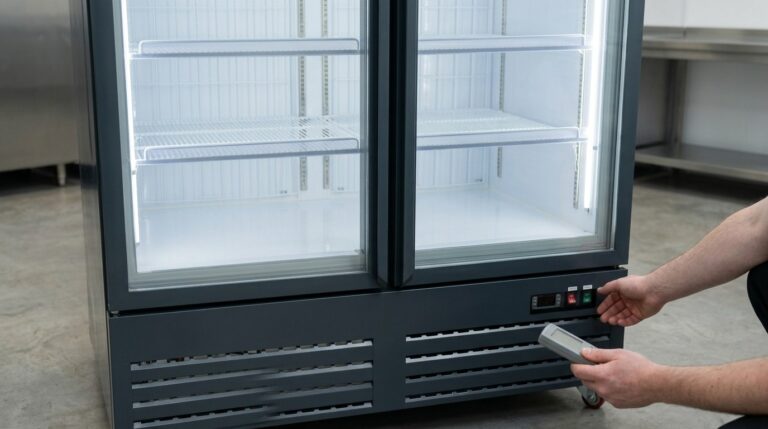
Carel PJEZ Controller Manual and Parameters for Unifrost Cabinets
Controller manual and support for Unifrost cabinets using the Carel PJEZ controller.
Read guide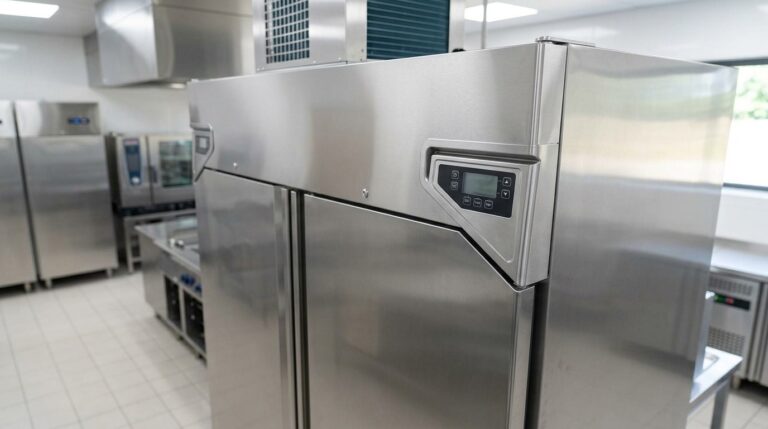
Dixell XR02CX Controller Manual and Parameters for Unifrost Cabinets
Controller manual and parameter support for Unifrost cabinets using the Dixell XR02CX controller.
Read guideTalk to Caterboss about the right Unifrost model
For current product options, pricing and availability, continue to Caterboss.