How do I change the temperature setpoint on a Unifrost upright fridge or freezer?
 FAQ
FAQ
Check the controller brand first (Dixell, Elitech, or Carel) because the button labels differ.
Need more detail? For model comparisons, setup steps and troubleshooting, see the related guides below.
Check the controller brand first (Dixell, Elitech, or Carel) because the button labels differ.
On most Unifrost upright digital controllers, you will do one of these common sequences:
Press and hold SET (often 2 to 5 seconds) until the setpoint value appears or starts flashing.
Use ▲/▼ (or UP/DOWN) to adjust.
Press SET again to save, or wait 5 to 10 seconds for auto-save.
Do not change engineering parameters (menus like Pr1/Pr2, PAS, PS or similar). If you see a password prompt or parameter codes, exit and use the dedicated controller PDF for your exact model.
If the cabinet is used for HACCP-critical storage, verify the new setpoint with a calibrated probe after it has stabilised, rather than relying only on the display.
Read the full guide: Unifrost Upright Fridge Freezer Temperature Controller: Owner Basics Guide.
Safe setpoint checks across controller types
- First photograph the fascia and identify the controller model, such as a Dixell XR02CX, because the key sequence and lock behaviour vary. Do not guess from a similar-looking controller.
- If LOC or a keypad-lock message appears, check the model manual. The unit may be deliberately manager- or engineer-restricted; do not force an unlock or enter advanced parameters.
- A safe read-only check is to view the setpoint without saving a change, note the current value, and exit. If an authorised adjustment is needed, change only about 1 C at a time and allow the cabinet to stabilise before reassessing.
- The display commonly represents cabinet air at the probe, not food core temperature. Confirm product control with an independent between-pack or suitable product-temperature check under the site’s HACCP procedure.
More help with this question
Compare models, maintenance advice and support information related to this topic.
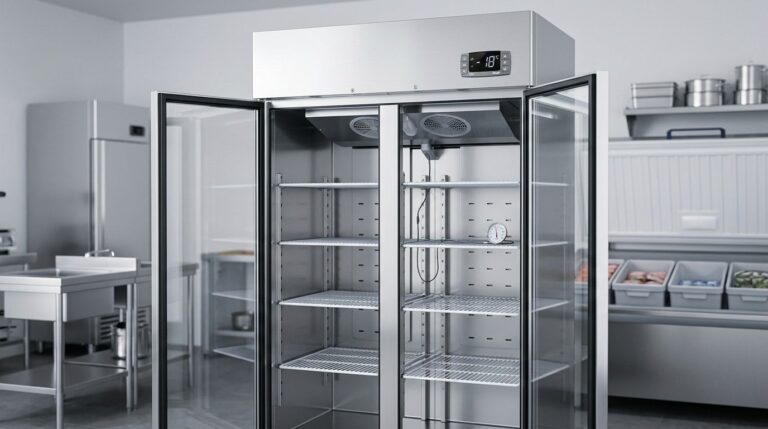
Unifrost Upright Fridge Freezer Temperature Controller: Owner Basics Guide
Discover how to manage Unifrost temperature controllers effectively for optimal fridge and freezer performance in Irish kitchens.
Read guide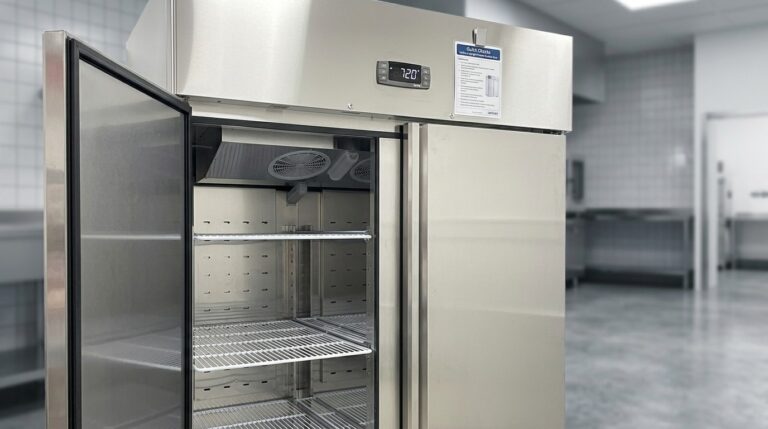
Unifrost Upright Freezer Temperature Controller: New Owner Quick Checks Guide
Essential quick checks for new Unifrost upright freezer owners in Ireland to ensure optimal temperature control.
Read guide