
How do I use the digital temperature controls?
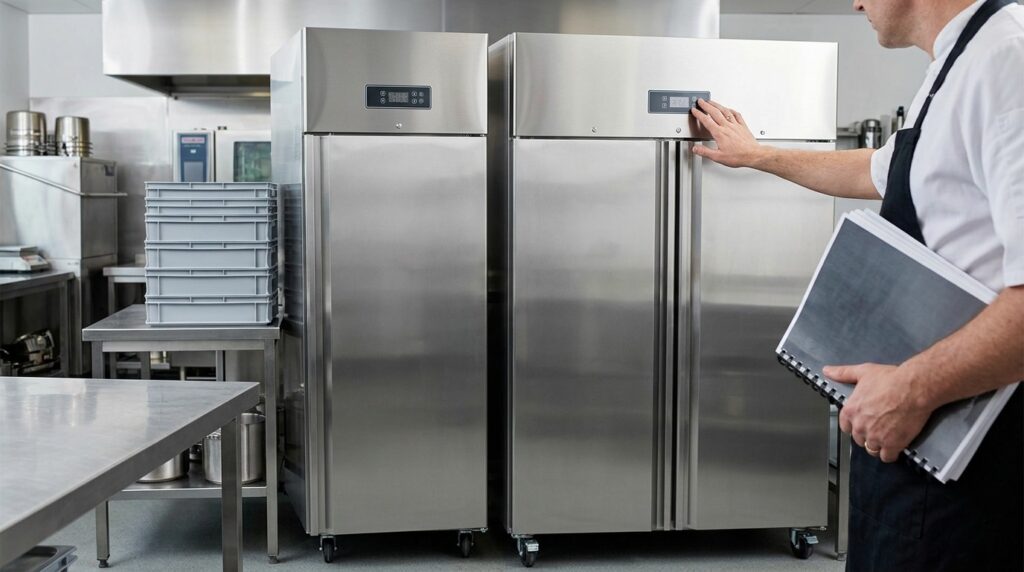
Most Unifrost upright fridges in this family use a digital controller for setpoint and defrost management. Because controller layouts can differ by model/variant, use this safe, no-regret approach:
Need more detail? For model comparisons, setup steps and troubleshooting, see the related guides below.
Most Unifrost upright fridges in this family use a digital controller for setpoint and defrost management. Because controller layouts can differ by model/variant, use this safe, no-regret approach:
Check the current temperature on the display (this is typically the cabinet probe reading).
Find the setpoint menu (often a long press on a “SET” key). Adjust in small steps and allow the cabinet time to stabilise.
Avoid frequent changes: constant setpoint tweaking can lead to temperature swings.
If an alarm shows (beep or flashing icon), first check door closure, loading, airflow and whether the unit has just been stocked.
For the exact button sequence, icons and any error codes, use the controller section in your specific Unifrost upright fridge manual (matched by model code and controller type).
Read the full guide: Unifrost Upright Fridge Manuals & Installation Support.
More help with this question
Compare models, maintenance advice and support information related to this topic.
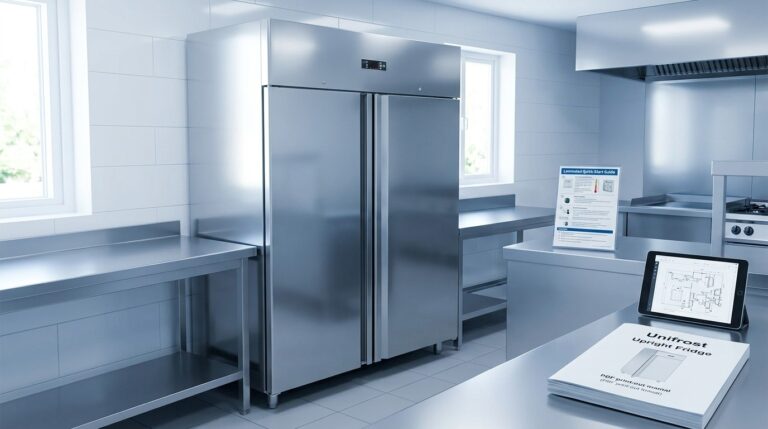
Unifrost Upright Fridge Manuals & Installation Support
Task-first manual downloads, controller help, installation notes, and troubleshooting routes for Unifrost upright fridges.
Read guide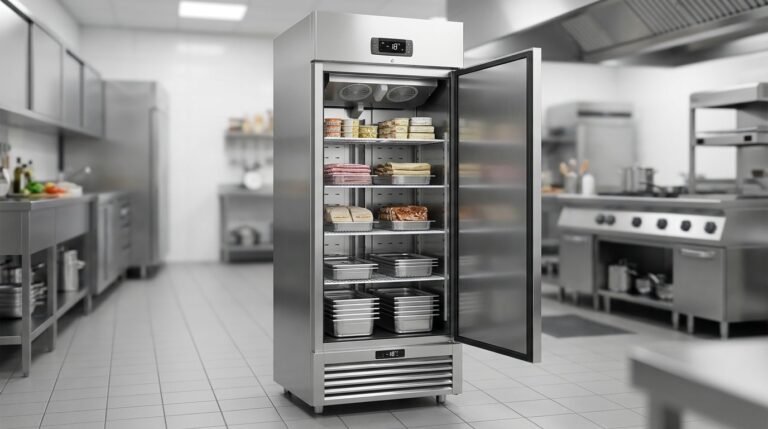
Unifrost F410SS Upright Freezer: Layout, Controller, and Energy Saving Hub
Optimize your Unifrost F410SS for layout, controller use, and energy efficiency in Irish kitchens.
Read guide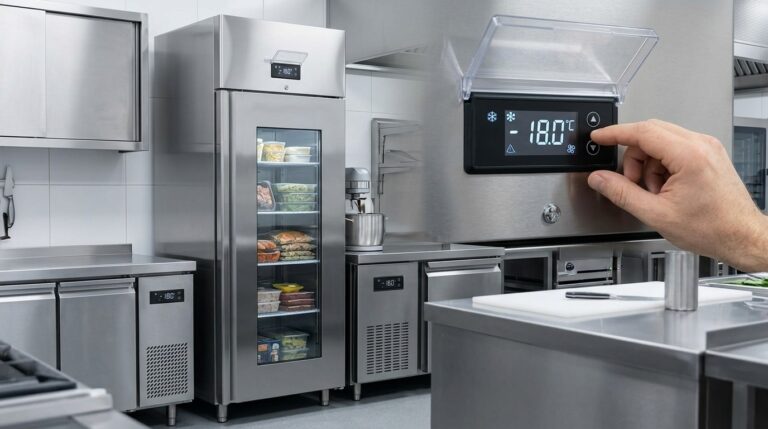
Optimising Unifrost F410SS Upright Freezer Temperature Controller Settings
Learn to adjust Unifrost F410SS freezer settings for optimal use in Ireland's hospitality sector. Improve efficiency and compliance.
Read guide