How do I organise and label food in a commercial freezer for easy access and stock control?
 FAQ
FAQ
Set the freezer up so a new starter can find items in seconds.
Need more detail? For model comparisons, setup steps and troubleshooting, see the related guides below.
Set the freezer up so a new starter can find items in seconds.
Assign fixed zones: e.g. raw proteins, veg, prepared meals, bakery, allergens. Keep the same map across the week.
Use durable freezer labels: include item name, prep/pack date, use by date, and initials. Put labels on the front-facing edge so they’re readable without lifting boxes.
Standardise containers: use same size gastronorms/crates where possible so stacks stay stable and countable.
Create a simple “shelf map” or lid map: laminate a one-page layout and keep it on the door/lid. Update it when you change a section.
Batch and band small items: group open bags and small packs in a labelled crate (e.g. “gluten free”, “desserts”, “chips”) to prevent loose stock drifting around the cabinet.
Read the full guide: Unifrost Upright, Undercounter, and Chest Freezer Stock Rotation & Loading Best Practices.
More help with this question
Compare models, maintenance advice and support information related to this topic.
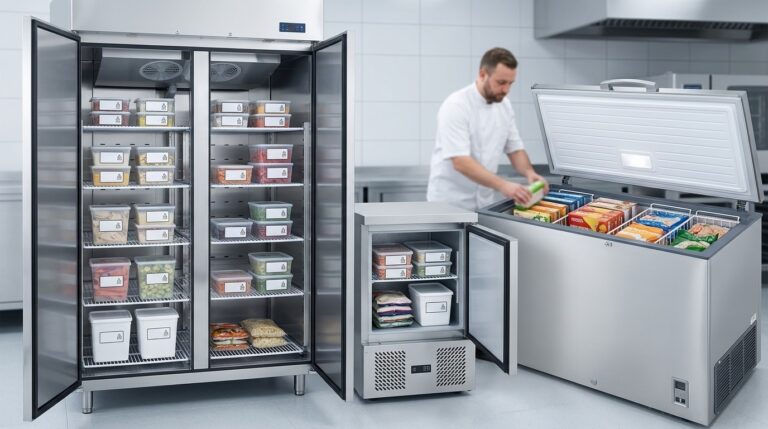
Unifrost Upright, Undercounter, and Chest Freezer Stock Rotation & Loading Best Practices
Master commercial freezer organization and loading. Keep Irish kitchens efficient and safe with Unifrost tips.
Read guide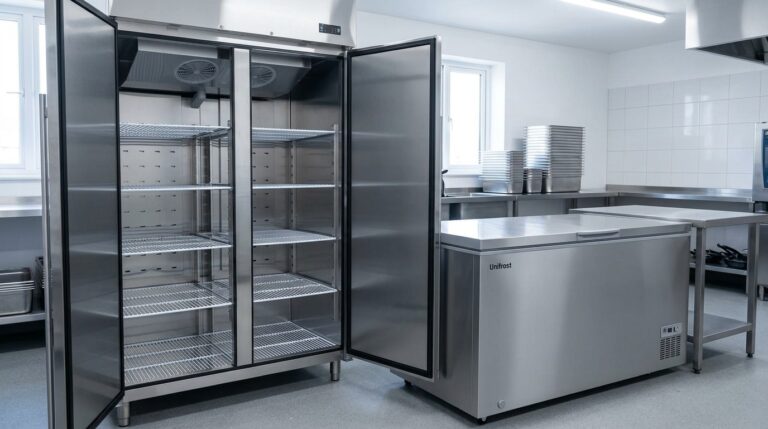
Unifrost Upright Freezer vs Chest Freezer: Model Comparison Guide for Irish Kitchens
Compare Unifrost upright and chest freezers for Irish kitchens. Find the best fit for your business needs efficiently.
Read guide