Unifrost Fridge Temperature Alarm: First Checks
 FAQ
FAQ
A practical first-check sequence for Unifrost fridge temperature alarms, including when to protect stock and call an engineer.
Need more detail? For model comparisons, setup steps and troubleshooting, see the related guides below.
First checks for a Unifrost temperature alarm
- Keep the door closed and check whether recent loading, a delivery or a long door opening explains the temporary rise.
- Confirm the displayed temperature against the food and cabinet condition; do not silence a persistent alarm without understanding the cause.
- Check that air paths, condenser ventilation and the room around the cabinet are clear.
- If the alarm persists, food safety is uncertain or the controller shows a probe fault, move stock to safe refrigeration and contact a qualified engineer.
The code and controller manual matter. Use the Unifrost manuals library to identify the correct controller guidance before changing parameters.
A temperature alarm usually means the controller has detected the cabinet has been outside its allowed high or low temperature limits for long enough to trigger an alert.
Common meanings in day-to-day use:
High temperature alarm: the cabinet air temperature has risen above the high limit, often due to door left open, heavy service, warm stock loaded, poor ventilation, a dirty condenser, or a genuine cooling fault.
Low temperature alarm: the cabinet is colder than intended, which can be caused by incorrect setpoint changes, probe issues, or control faults.
Important: on many forced-air commercial cabinets, the alarm is typically based on a probe reading air temperature (return air), not the core temperature of your food. Treat it as an early warning to check conditions, verify temperatures with an independent thermometer, and protect stock per your HACCP procedures.
Read the full guide: Unifrost Commercial Fridge Ambient Temperature Controller: Troubleshooting Alarms in Irish Kitchens.
Protect stock and diagnose a temperature alarm
- Start stock control immediately: minimise access, move high-risk food to verified safe refrigeration if needed, and record the alarm time, displayed value and an independent cabinet or product-temperature check.
- Check the door gasket, packages preventing closure, blocked air paths, load density, recent warm loading, condenser ventilation and unusually hot or humid room conditions before changing any controller setting.
- After a known defrost or door-opening event, keep the door closed and monitor the next hour for a clear recovery trend. Do not repeatedly reset or silence an alarm that returns.
- Call an engineer early if the temperature is not falling, alarms repeat under normal use, the reading jumps unrealistically, a probe code appears, or food safety cannot be confirmed.
More help with this question
Compare models, maintenance advice and support information related to this topic.
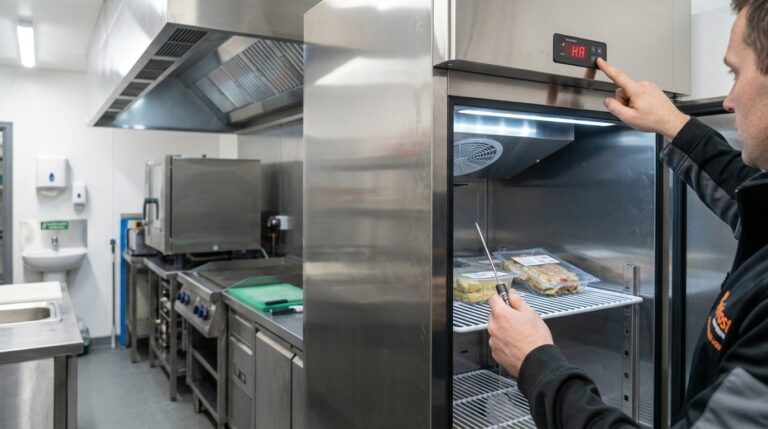
Unifrost Commercial Fridge Ambient Temperature Controller: Troubleshooting Alarms in Irish Kitchens
Learn how to troubleshoot and manage temperature alarms on Unifrost fridges in busy Irish kitchens.
Read guide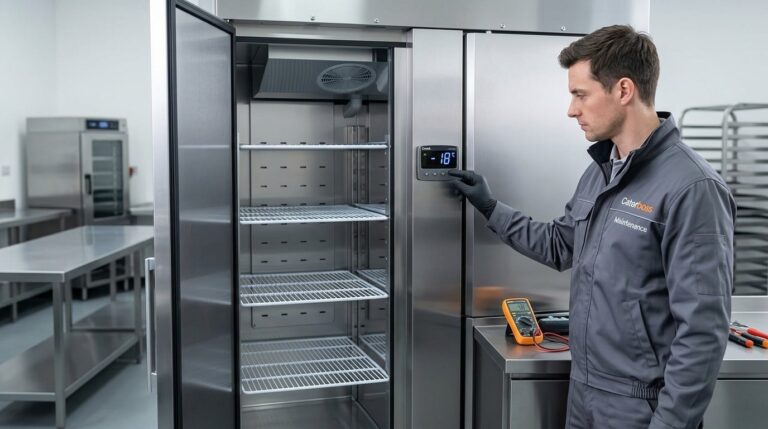
Quick Checks for Unifrost Upright Freezer Temperature Controllers in Ireland
Ensure your Unifrost upright freezer runs efficiently with temperature controller tips for Irish kitchens.
Read guide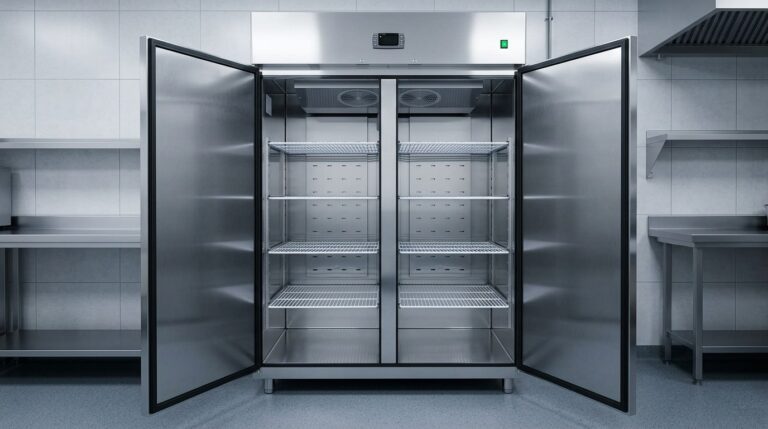
Unifrost Upright Fridge Freezer Temperature Controller Quick Checks for Irish Kitchens
Quick checks for Unifrost upright fridge freezer controllers in Irish kitchens. Ensure optimal storage and avoid downtime.
Read guide