What are the safe steps for checking power and wiring before assuming a controller fault?
 FAQ
FAQ
These checks are safe for operators because they do not involve opening panels or touching internal wiring.
Need more detail? For model comparisons, setup steps and troubleshooting, see the related guides below.
These checks are safe for operators because they do not involve opening panels or touching internal wiring.
Confirm the wall socket is live: plug in a known working item (kettle, phone charger) and verify it powers up.
Check the plug top and lead condition: look for heat damage, looseness, crushed cable, or a bent plug pin. If you see damage, stop and isolate the unit.
Avoid shared adapters: plug the fridge directly into the wall (no multi block) and see if the display stabilises.
Check for site power issues: ask if there were recent power cuts, breaker trips, or RCD trips. Intermittent supply can leave controllers in an alarm state or with a blank display.
Power cycle correctly: switch the unit off at the socket, wait 2 to 5 minutes, then switch back on. Watch for the controller to reboot and resume showing cabinet temperature.
If the display stays blank but the cabinet is still cooling, or if breakers keep tripping, stop troubleshooting and escalate to an electrician or refrigeration engineer. Do not attempt live tests or remove the controller fascia unless you are qualified.
Read the full guide: Troubleshooting Unifrost Commercial Fridge Controller Display Issues.
More help with this question
Compare models, maintenance advice and support information related to this topic.
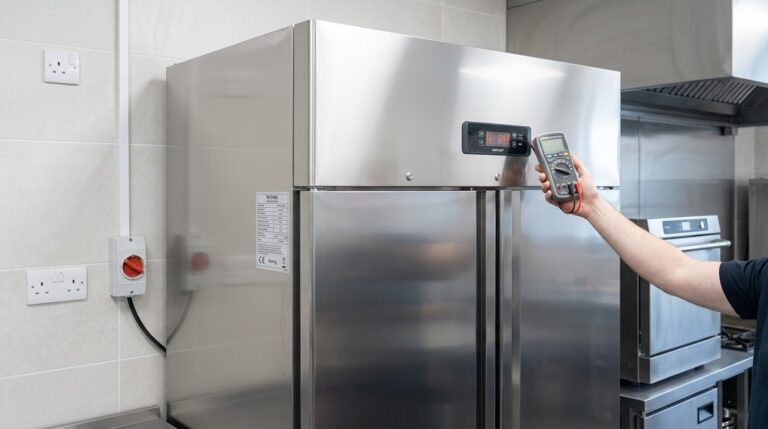
Troubleshooting Unifrost Commercial Fridge Controller Display Issues
Resolve Unifrost fridge controller display issues safely with our troubleshooting guide. Ensure uninterrupted service in your Irish kitchen.
Read guide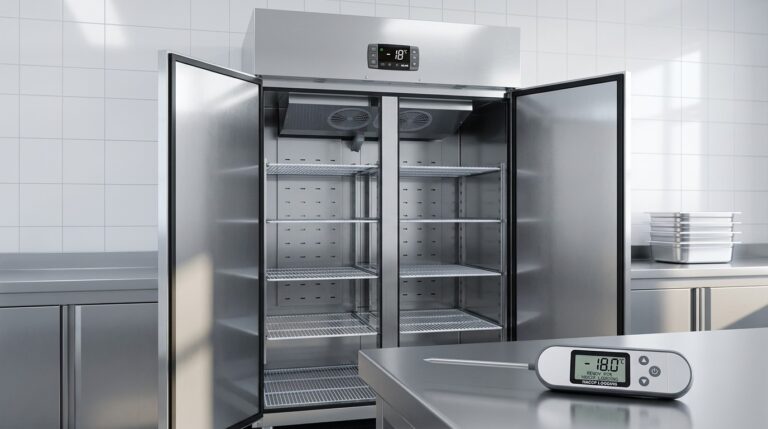
Unifrost Upright Freezer Temperature Controller: New Owner Core Overview Guide for Irish Kitchens
Learn to set up and manage Unifrost upright freezer controllers for Irish kitchens. Essential guide for safety and efficiency.
Read guide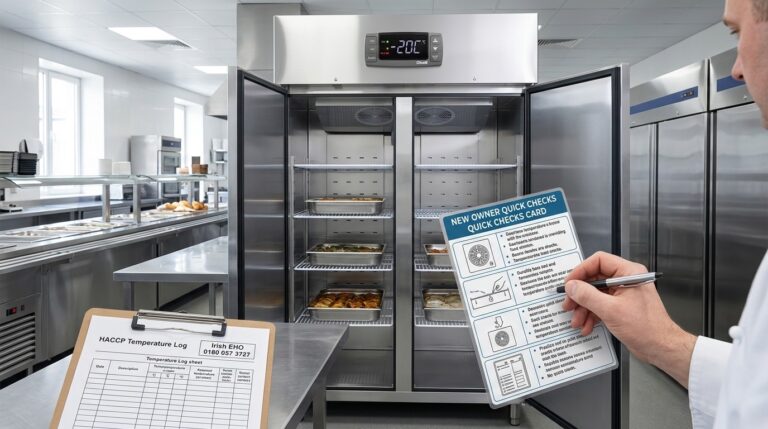
New Owner Quick Checks for Unifrost Upright Freezer Temperature Controllers
Quick reference for setting and checking Unifrost upright freezer controllers in Irish hotel service lines.
Read guide