How do I unlock a locked controller or key icon on a commercial fridge/freezer?
 FAQ
FAQ
A padlock or key icon nearly always means the keypad is locked, not that the cabinet has failed.
Need more detail? For model comparisons, setup steps and troubleshooting, see the related guides below.
A padlock or key icon nearly always means the keypad is locked, not that the cabinet has failed.
Try a long-press first: press and hold the main SET/OK key (or the up and down arrows together) for 3 to 5 seconds. Many commercial controllers use one of these two lock toggles.
If it happened after a power cut: disconnect power for 60 seconds, restore power, then try the long-press unlock again.
Confirm you are not in a special mode: if the display looks “stuck” (no response to any key), note any icons or alarm codes and avoid random button combinations.
If the controller still will not accept inputs, treat it as a support issue and log what you see on the display before calling for help.
Read the full guide: Unifrost F410SS Upright Freezer: Door Controller Locking Troubleshooting Guide.
More help with this question
Compare models, maintenance advice and support information related to this topic.
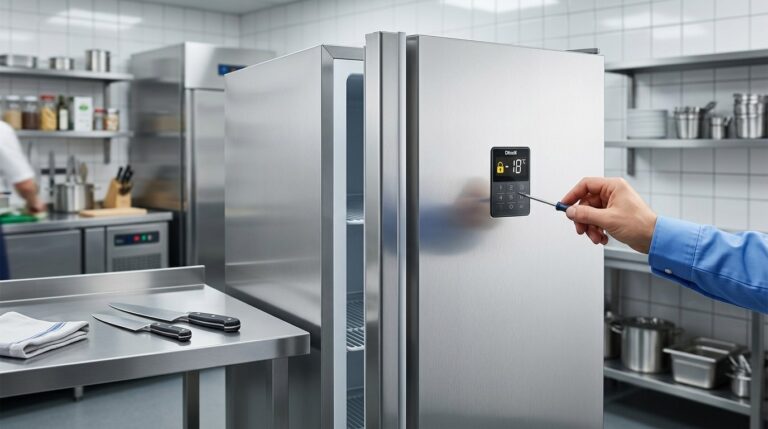
Unifrost F410SS Upright Freezer: Door Controller Locking Troubleshooting Guide
Find solutions for Unifrost F410SS freezer door controller lock issues in busy Irish kitchens. Unlock guidance, common safety checks, and service tips.
Read guide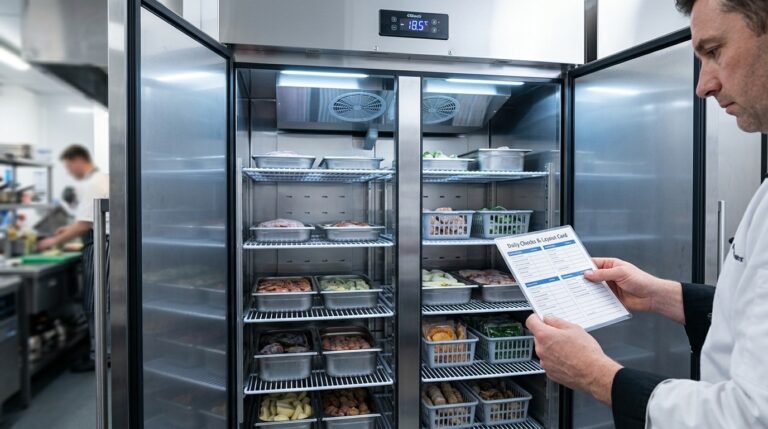
Unifrost F410SS Upright Freezer: Quick Start Guide for Hotels
Get started with the Unifrost F410SS in your Irish hotel. Temperature setup, layout guidance, and quick checks for optimal freezer use.
Read guide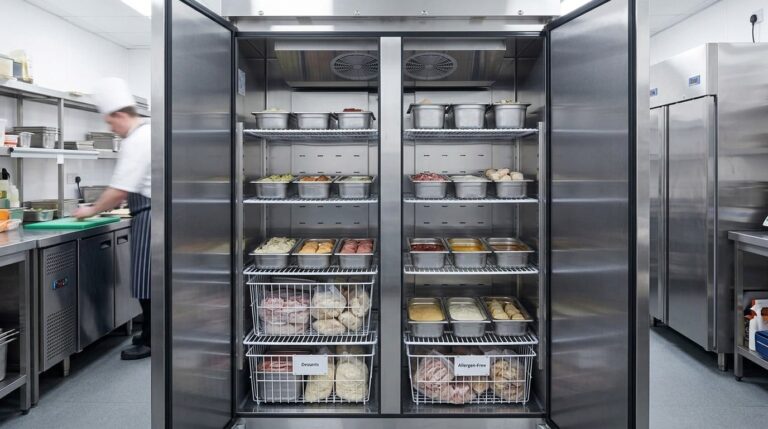
Unifrost F410SS Upright Freezer Planning Guide for Irish Hotel Banqueting Kitchens
Plan your F410SS freezer layout for efficient high-volume banqueting in Irish hotels. Optimize GN pans and workflow.
Read guide