How do I adjust the temperature setpoint on a commercial upright freezer controller?
 FAQ
FAQ
In most Unifrost upright freezer controllers, setpoint changes follow the same safe workflow:
Need more detail? For model comparisons, setup steps and troubleshooting, see the related guides below.
In most Unifrost upright freezer controllers, setpoint changes follow the same safe workflow:
Confirm the target: for frozen storage, aim for -18°C or colder (then validate with a separate probe in product, not just the display).
Check for a keypad lock: if buttons do nothing or you see a lock indicator, the controller may be locked. Use your model’s owner guide to unlock it before changing settings.
Enter setpoint mode: press and hold the SET key (or the setpoint key) until the setpoint value appears.
Adjust using ▲/▼, then press SET again to save.
Let the cabinet stabilise: avoid judging performance in the first hour after changes. Recheck temperatures over a normal service period and confirm with your HACCP checks.
If your controller menu labels differ, use the Unifrost “Owner Basics Guide” and the model-specific notes in Unifrost Manuals & Downloads rather than guessing menu items.
Read the full guide: Customising Advanced Settings on Unifrost Upright Freezer Controllers for Irish Kitchens.
More help with this question
Compare models, maintenance advice and support information related to this topic.
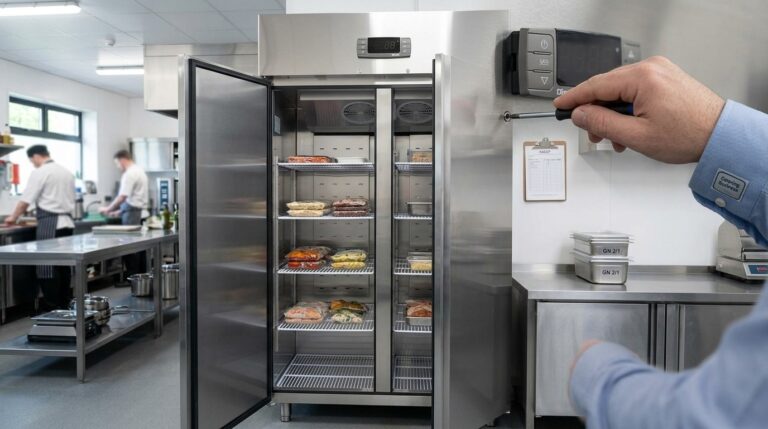
Customising Advanced Settings on Unifrost Upright Freezer Controllers for Irish Kitchens
Guide to customising Unifrost upright freezer controllers for optimal Irish kitchen use, covering temperature settings and advanced configurations.
Read guide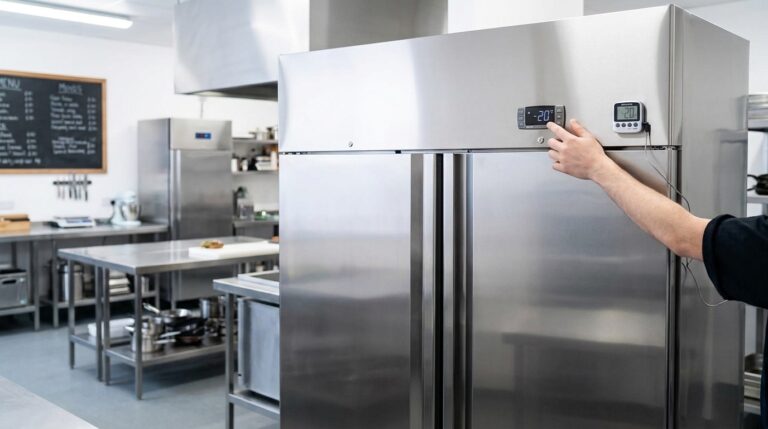
Unifrost Upright Freezer Temperature Controller: Energy Optimisation for Irish Kitchens
Learn to optimise Unifrost upright freezer temp settings for energy efficiency and HACCP compliance in Irish kitchens.
Read guide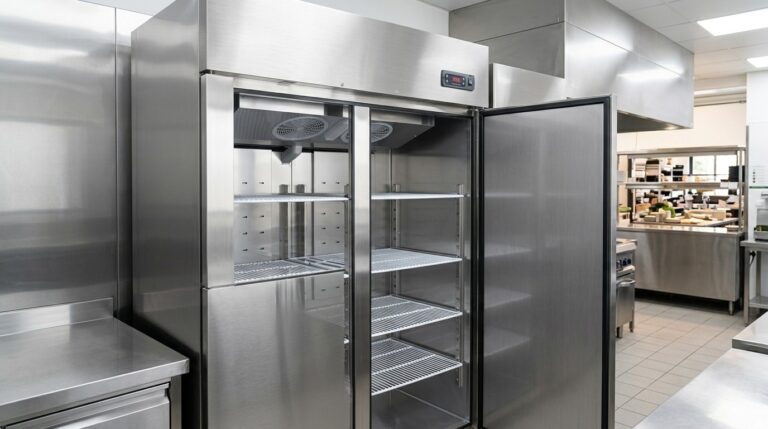
Understanding Unifrost Upright Fridge & Freezer Temperature Controller Defrost Messages
Learn about Unifrost upright fridge freezer controller messages for efficient, error-free kitchen operations.
Read guide