How do I change the temperature setpoint on a commercial upright freezer digital controller?
 FAQ
FAQ
Because Unifrost uprights can ship with different digital controllers (commonly Dixell, Elitech or Carel), the exact button names can vary. Use this safe, owner-level method:
Need more detail? For model comparisons, setup steps and troubleshooting, see the related guides below.
Because Unifrost uprights can ship with different digital controllers (commonly Dixell, Elitech or Carel), the exact button names can vary. Use this safe, owner-level method:
Check what the display is showing: most controllers show air probe temperature, not product core temperature.
Enter setpoint view: on many controllers you press and hold SET for 1–3 seconds until the setpoint value appears.
Adjust: use ▲/▼ to raise or lower the setpoint.
Save and exit: press SET again (or wait ~5–10 seconds) for it to store.
Owner tip: if you cannot change the value (it jumps back, or buttons seem locked), don’t force it. Some units are keypad-locked or restricted to prevent accidental parameter changes. In that case, record the controller make/model and follow the correct PDF for that controller or contact support before changing deeper parameters.
Read the full guide: Unifrost Upright Freezer Temperature Controller Deep Dive Owner Hub.
More help with this question
Compare models, maintenance advice and support information related to this topic.
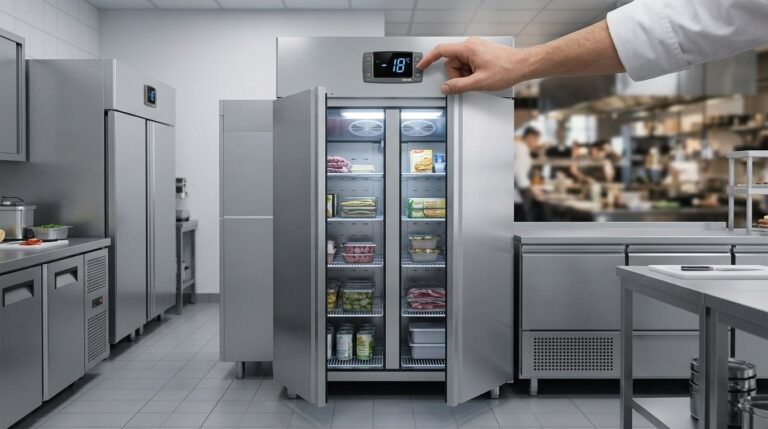
Unifrost Upright Freezer Temperature Controller Deep Dive Owner Hub
Explore Unifrost upright freezer controllers for optimal settings and food safety in Irish kitchens.
Read guide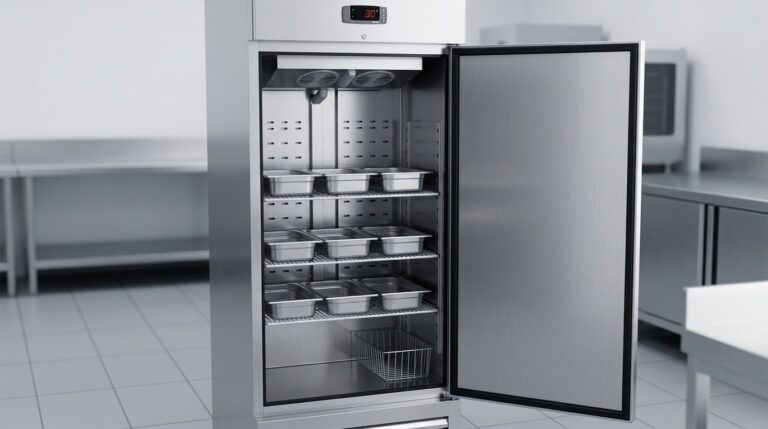
Unifrost F410SS Upright Freezer Shelf and GN Pan Setup Guide for New Owners
Guide Irish kitchens in setting up and using shelves, GN pans, and baskets in the Unifrost F410SS upright freezer efficiently.
Read guide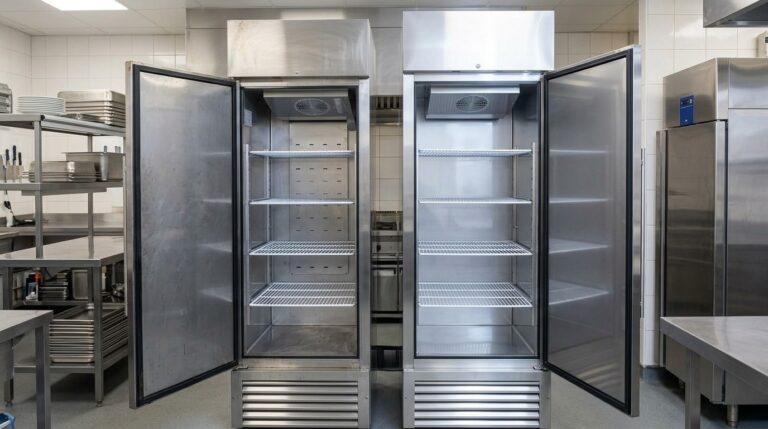
Unifrost F410SS Upright Freezer Upgrade or Replacement Guide
Explore when to replace or upgrade your Unifrost F410SS upright freezer for optimal performance in Irish kitchens.
Read guide