How do I adjust the set temperature on a Unifrost upright freezer controller?
 FAQ
FAQ
Most Unifrost uprights use a standard digital controller workflow, but the exact button sequence varies by controller model.
Need more detail? For model comparisons, setup steps and troubleshooting, see the related guides below.
Most Unifrost uprights use a standard digital controller workflow, but the exact button sequence varies by controller model.
Practical, safe approach:
Identify the controller model first (it’s usually printed on the fascia or label, e.g. XR02CX).
Check whether the display is showing cabinet temperature or setpoint. If you’re not sure, don’t guess.
Use the controller’s setpoint (SET) function and arrow keys (where fitted) to change the setpoint, then confirm/save as the manual specifies.
If your controller doesn’t have obvious SET/arrow keys, or it’s locked, download the exact manual for your controller and follow the setpoint steps for that model. That avoids accidentally changing alarm limits or defrost parameters.
Read the full guide: Unifrost Upright Freezer Temperature Controller: New Owner Quick Checks Guide.
More help with this question
Compare models, maintenance advice and support information related to this topic.
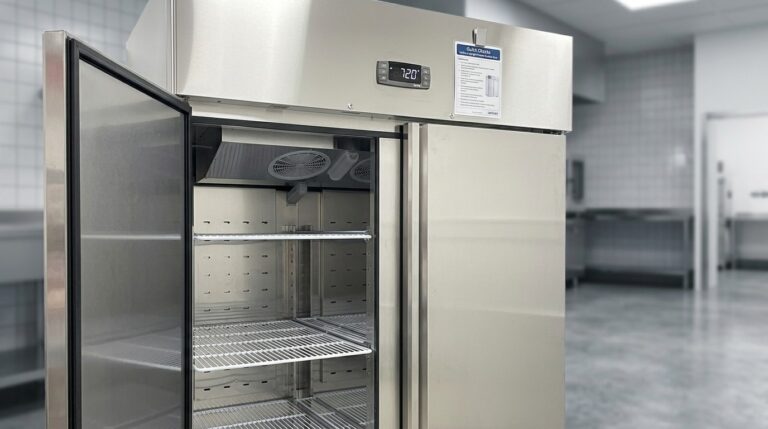
Unifrost Upright Freezer Temperature Controller: New Owner Quick Checks Guide
Essential quick checks for new Unifrost upright freezer owners in Ireland to ensure optimal temperature control.
Read guide
Unifrost F410SS Upright Freezer in Hot Kitchens: Ventilation & Troubleshooting Guide
Optimize your Unifrost F410SS upright freezer in hot Irish kitchens. Learn about ventilation, GN layout, and troubleshooting.
Read guide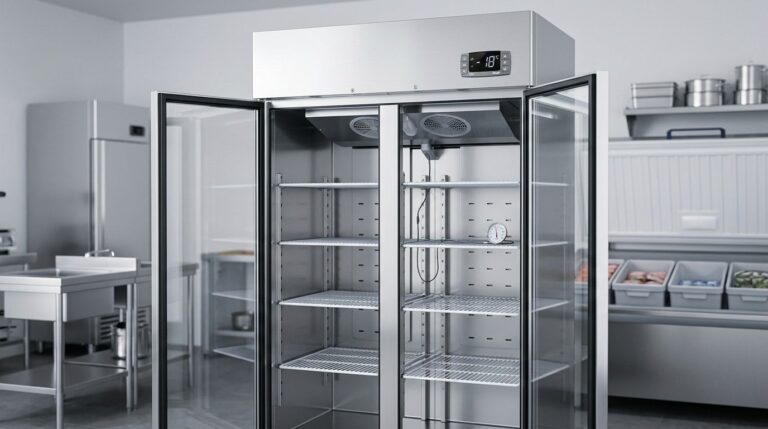
Unifrost Upright Fridge Freezer Temperature Controller: Owner Basics Guide
Discover how to manage Unifrost temperature controllers effectively for optimal fridge and freezer performance in Irish kitchens.
Read guide