How do I safely change the temperature setpoint on my Unifrost upright freezer’s digital controller?
 FAQ
FAQ
Confirm the controller make first (F410SS units commonly ship with Dixell, Elitech, or Carel front-fascia controllers). Button sequences vary, so if your keypad doesn’t match what you expect, check the correct PDF before
Need more detail? For model comparisons, setup steps and troubleshooting, see the related guides below.
Confirm the controller make first (F410SS units commonly ship with Dixell, Elitech, or Carel front-fascia controllers). Button sequences vary, so if your keypad doesn’t match what you expect, check the correct PDF before proceeding.
Avoid changing parameters. For day to day use, only adjust the setpoint. Do not enter the parameter menu unless you know exactly what you are changing.
Typical safe method on most commercial controllers:
Press and hold SET for 2 to 5 seconds until the setpoint shows or starts flashing.
Use ▲/▼ to adjust.
Press SET again to save (or wait 5 to 10 seconds for auto-save).
After changing it:
Give the cabinet time to pull down and stabilise. Do not judge performance from the first few minutes.
If you get a continuous alarm, the display flashes unexpectedly, or the cabinet won’t pull down, revert to the previous setpoint and move to basic checks (door fully shut, stock not blocking airflow, condenser not clogged).
Read the full guide: Unifrost F410SS Upright Freezer: Layout, Controller, and Energy Saving Hub.
More help with this question
Compare models, maintenance advice and support information related to this topic.
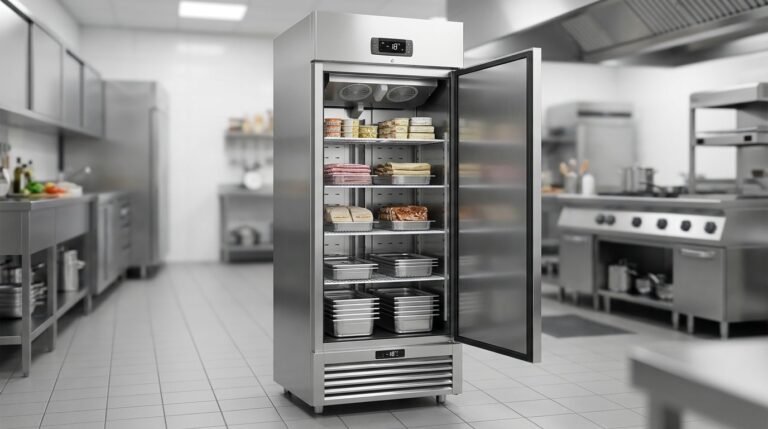
Unifrost F410SS Upright Freezer: Layout, Controller, and Energy Saving Hub
Optimize your Unifrost F410SS for layout, controller use, and energy efficiency in Irish kitchens.
Read guide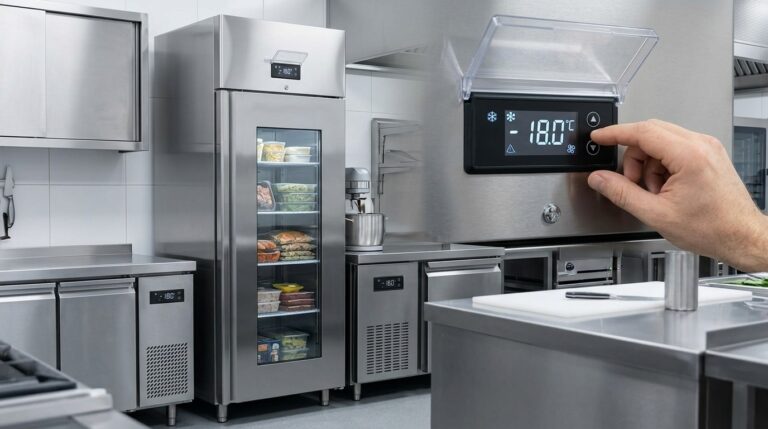
Optimising Unifrost F410SS Upright Freezer Temperature Controller Settings
Learn to adjust Unifrost F410SS freezer settings for optimal use in Ireland's hospitality sector. Improve efficiency and compliance.
Read guide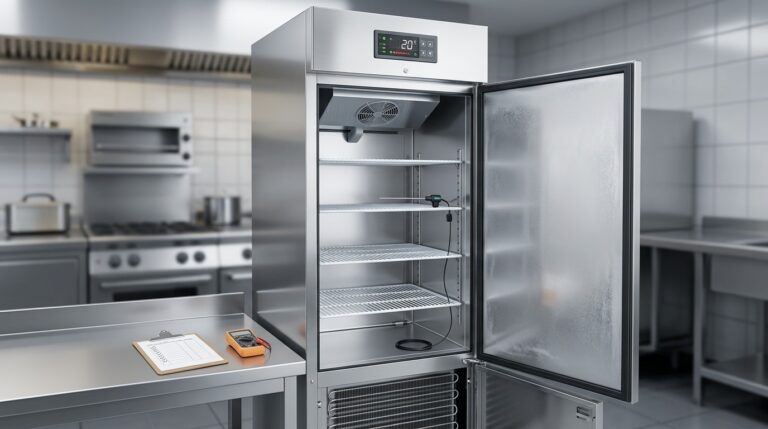
Unifrost F410SS Upright Freezer Temperature Troubleshooting Guide
Troubleshoot your Unifrost F410SS freezer's temperature issues with our expert guide for Irish kitchens. Practical, step-by-step support.
Read guide