How do I match my Unifrost unit to the correct PDF manual?
 FAQ
FAQ
Because different Unifrost uprights can ship with different controller models, the fastest way to get the right PDF is to match both the cabinet model code and the controller fascia.
Need more detail? For model comparisons, setup steps and troubleshooting, see the related guides below.
Because different Unifrost uprights can ship with different controller models, the fastest way to get the right PDF is to match both the cabinet model code and the controller fascia.
Use this checklist:
Step 1: Record the cabinet model from the rating plate (examples in the range include CR1800G, CR2230G, R1000SV, R1300SV, F1000SV, F1300SV, F1310SV, F410SS, F620SV).
Step 2: Identify the controller brand/model by a clear photo of the display and keys (look for Dixell, Elitech, or Carel styling and key icons).
Step 3: Pull the manual that matches the controller, not just the cabinet family, because alarm codes and button holds differ by controller.
Step 4: If you’re unsure, send support the model code plus a photo of the controller so you don’t follow the wrong key sequence.
If you’re building a site SOP, save the correct PDF alongside the unit’s asset ID so staff always reference the right controller instructions.
Read the full guide: Understanding Unifrost Upright Fridge & Freezer Temperature Controller Defrost Messages.
More help with this question
Compare models, maintenance advice and support information related to this topic.
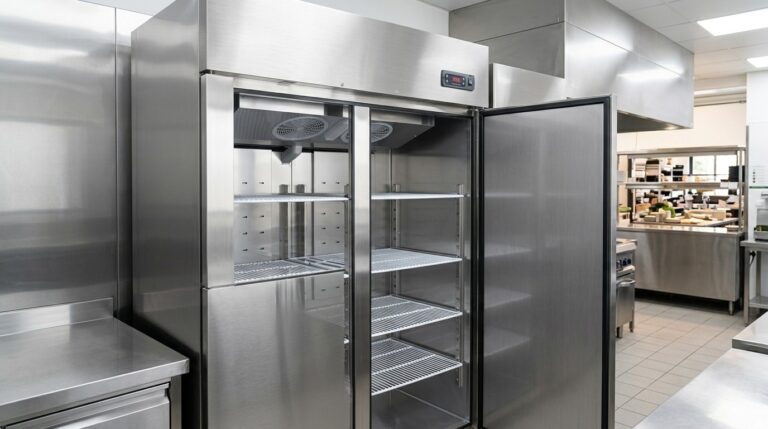
Understanding Unifrost Upright Fridge & Freezer Temperature Controller Defrost Messages
Learn about Unifrost upright fridge freezer controller messages for efficient, error-free kitchen operations.
Read guide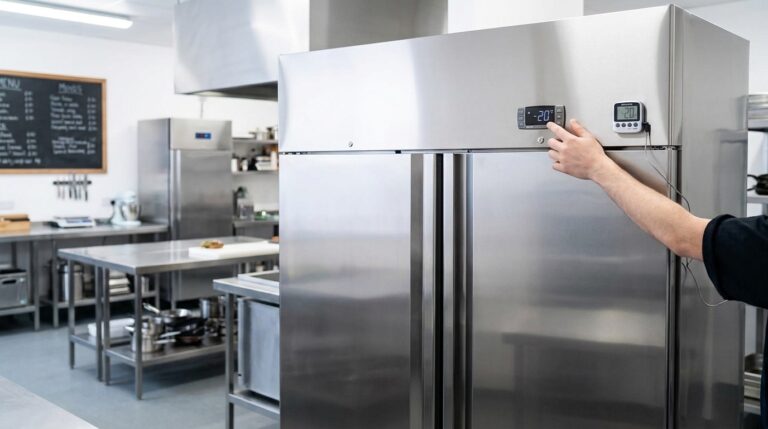
Unifrost Upright Freezer Temperature Controller: Energy Optimisation for Irish Kitchens
Learn to optimise Unifrost upright freezer temp settings for energy efficiency and HACCP compliance in Irish kitchens.
Read guide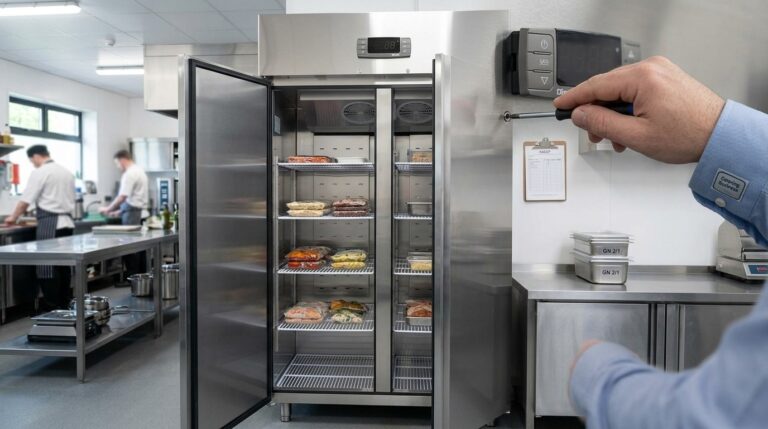
Customising Advanced Settings on Unifrost Upright Freezer Controllers for Irish Kitchens
Guide to customising Unifrost upright freezer controllers for optimal Irish kitchen use, covering temperature settings and advanced configurations.
Read guide